DTF STL

Upload Your UV Stickers Gang Sheet

(For advanced users, uploading ready-to-print, pre-built gang sheets)

$12.99

with no setup fee

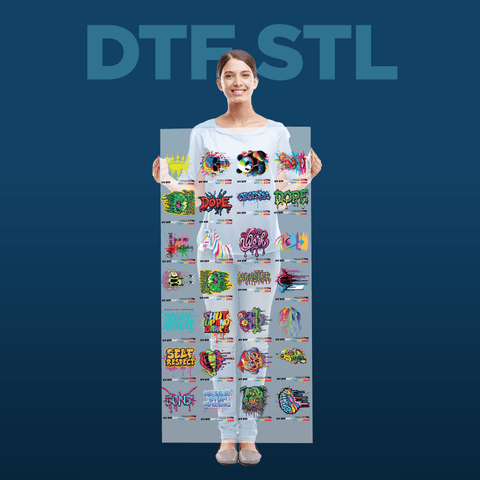
Upload your ready-to-print template (AI, PNG, PDF) to create vibrant and weather resistant UV DTF Stickers Gang Sheets. If you don't have a print-ready file, use our DTF STL Gang Sheet Builder.


The artwork needs to be print-ready and free of errors, including transparent pixels (simi-transparent glows and shadows, etc) and background removal remnants.

UV DTF Stickers Gang Sheet Uploader

Product Details

Get ultra-durable, vibrant UV DTF stickers in just a few clicks. Upload your Ready-To-Print Gang Sheet File, and we’ll take care of the printing! Meant for professionals who like to use their own design software to make and prepare their Gang Sheet file.

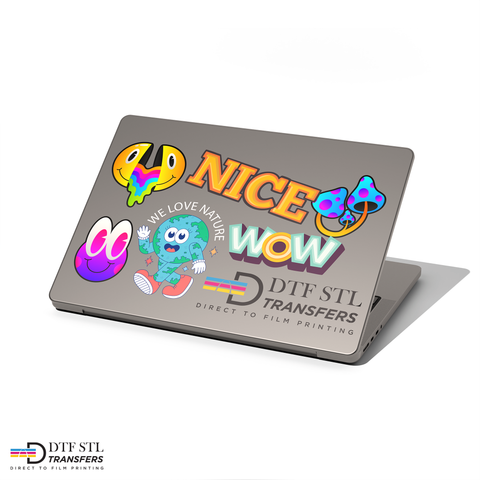
Printed with high-gloss UV ink on clear film, these stickers are waterproof, scratch-resistant, and long-lasting on nearly any surface.

With same-day printing, this is the fastest way to get professional-quality, ready-to-peel UV stickers for your products, packaging, or promotions. Upload now and get yours printed today!

Features

  • Effortless Uploading – Simply upload your design—no setup required, no hidden fees.


  • 🔥 Vibrant & Glossy Prints – Printed with UV-cured ink on clear film, our stickers are highly detailed, vibrant, and glossy with a premium look.


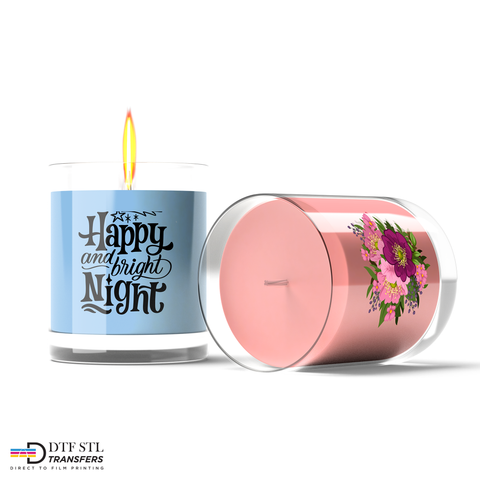
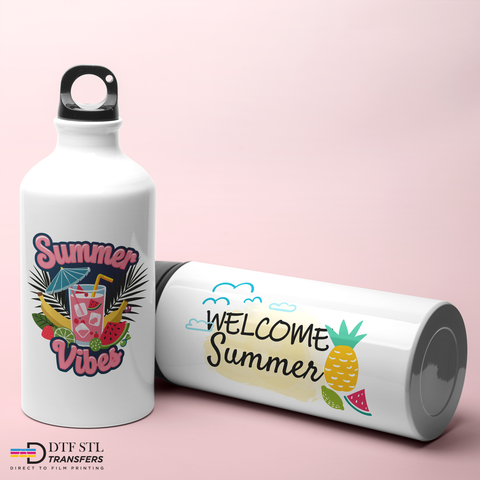
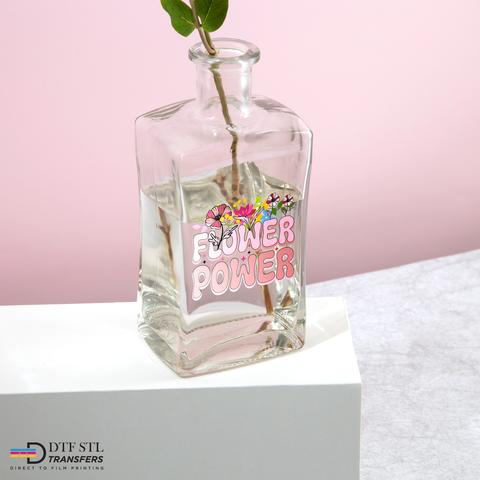
  • 🛡️ Weatherproof & Long-Lasting – These stickers are scratch-resistant, waterproof, and built to last on glass, plastic, metal, wood, and more.

  • Same-Day Printing – Need it fast? No problem! Most orders are printed within hours, ensuring you get your stickers as quickly as possible.


Applying Instructions

For the best results and long-lasting adhesion, follow these simple steps:


1. Clean Your Surface: Before applying your sticker, make sure the area is clean and dry. Use soap and water or a 50/50 mix of rubbing alcohol and water. A clean surface ensures your sticker bonds better and lasts longer through handling, washing, and daily wear.

2. Pre-press Your Sticker: After cutting out your design, place it face down (clear and colorful side down, white backing facing up). Press firmly across the entire design 2–4 times. For small text or fine details, apply extra pressure to make sure everything sticks cleanly to the clear carrier.

3. Peel the Clear Carrier from the White Backing: Carefully separate the clear top sheet from the white backing by making a small tear in a blank corner, away from your design. Slowly peel the clear sheet back, watching closely to ensure the full design lifts cleanly. If any part remains stuck to the backing, re-squeegee and try peeling from another angle. Take your time—slow and steady makes for a perfect peel..

4. Place Your Sticker Onto the Surface: Align your sticker carefully before applying.

  • For small designs (under 4"), hold both sides and press down in one motion.
  • For larger designs (6" and up), start from one side and gradually lay the sticker down across the surface to avoid bubbles or wrinkles.
  • Pro tip: Leave one corner of the carrier sheet slightly unpressed to make it easier to peel off later..


5. Final Press & Peel: Once your sticker is in place, firmly apply pressure across the entire design 2–4 times, focusing on the edges and any intricate areas. Then, slowly peel off the clear carrier sheet, keeping an eye out to make sure every element sticks down. If something lifts, press the carrier back down, re-press, and peel again at a different angle.

Shipping and pickup

All orders before 4 PM CST are printed and shipped out the same or next business day. Orders over $50 will automatically qualify for Free Shipping. Express shipping options are available at checkout.

Art Upload Recommendations

All file types accepted, vector files are always preferred, raster art should be at least 300 DPI.

 Tip: If you're using Canva or Procreate, we recommend exporting your documents as PDFs